My Goal
I want to build a simple image generator to get familiar with the core mechanics of generative model APIs. My requirements are minimal:
- A prompt text field and a generate button.
- Integration to a text-to-image generation API.
- A display area for the resulting image.
Preview
Behind this form is a text-to-image model ready to take your words and produce an image.
Try these prompt or use your own:
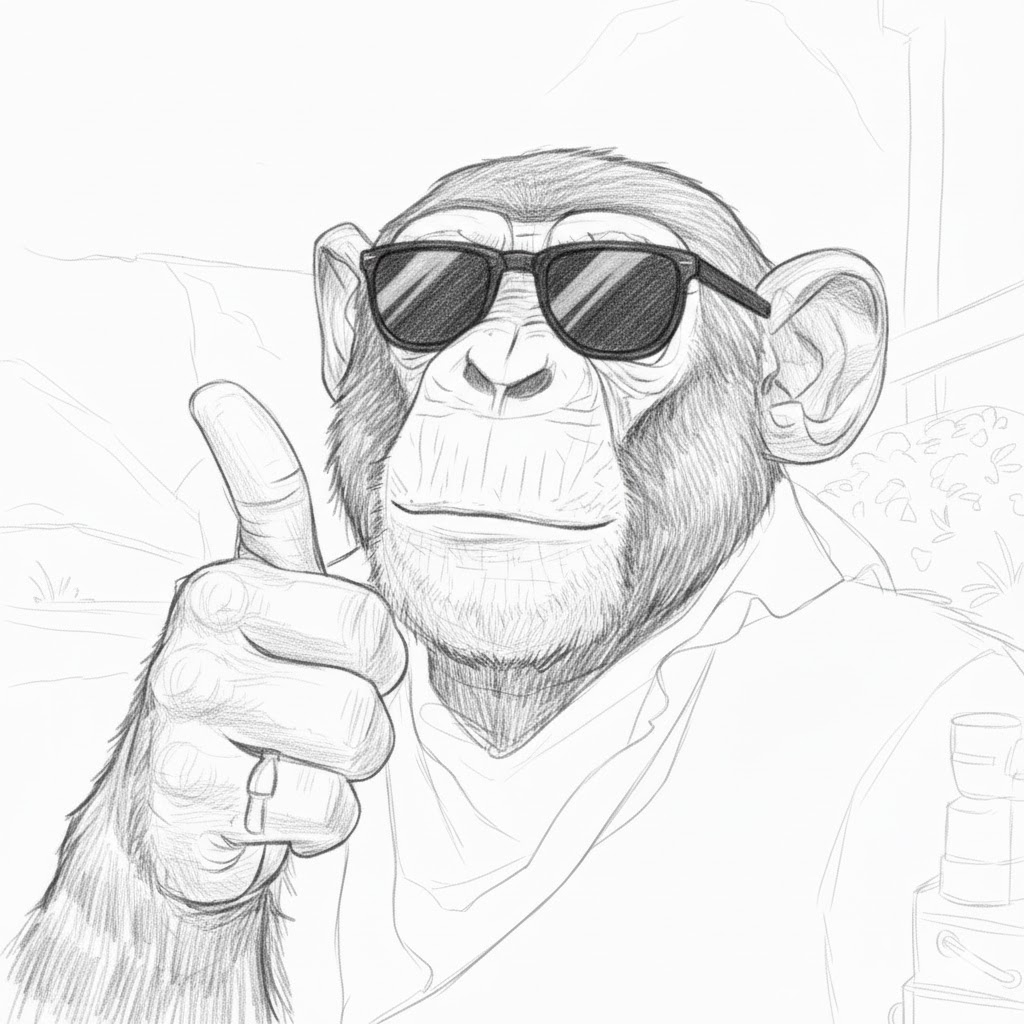
- Instagram style selfie shot photo of a chimpanzee in sunglasses and bandana, showing thumbs up sign, amateur shot
- White cat lounging peacefully on a cozy, modern sofa in a well-lit living room with soft pastel colors and natural light streaming through a nearby window
- Fantasy scene featuring a majestic crystal castle nestled among towering enchanted trees, glowing flora, and floating islands under a swirling celestial sky
FYI
The same prompt may generate the exact same image due to caching by API provider. Try a different prompt to see the image change.
Your generated image will appear here.
Learnings
Pollinations.AI
While there are many options for image generation APIs, I prefer Pollinations.AI because it comes with free daily tokens with extensive list of supported models. This makes it ideal for prototyping and personal exploration. Make sure you sign up for your free API KEY on Pollinations.AI website and Github for more details.
API request
Pollinations.AI supports simple GET requests for text-to-image generation. This is the simplest way to get an image from a prompt. Text-to-Image GET API
GET https://gen.pollinations.ai/image/{prompt}| Parameter | Required | Description | Default |
|---|---|---|---|
prompt | Yes | Text description of the image. Should be URL-encoded. | |
model | No | Model for image generation: flux, zimage, gptimage, kontext, seedream5, nanobanana, nanobanana-pro, klein. | flux |
seed | No | Seed for reproducible results. | |
width | No | Width of the generated image in pixels. | 1024 |
height | No | Height of the generated image in pixels. | 1024 |
image | No | URL of input image for image-to-image generation/editing (kontext model). | |
enhance | No | Set to true to enhance the prompt using an LLM for more detail. | false |
safe | No | Set to true for strict NSFW filtering (throws error if detected). | false |
referrer | No* | Referrer URL/Identifier. See Referrer Section. |
Text-to-Image Model
Pollinations.AI defaults to “flux” for image generation, referring to FLUX Schnell model from Black Forest Labs which is free for commercial use. Compared to other models at time of writing, I find FLUX models the best in terms of balancing quality, costs, speed and commercial licensing.
My Setup
Additional configurations
Here are some additional ways to improve the your own image generator
- Format Control: Feature to select different image ratio and resolutions, via
heightandwidth - Reproducibility: Feature to reproduce specific images via
seed - Prompt Enhancement: Feature to automatically enhance prompts via
enhance
Working code
Save the below code into a HTML file and run directly from your web browser.
<!DOCTYPE html>
<html lang="en">
<head>
    <meta charset="UTF-8">
    <meta name="viewport" content="width=device-width, initial-scale=1.0">
    <title>AI Image Generator (Simple)</title>
    <script src="https://cdn.tailwindcss.com"></script>
    <style>
        /* Custom styles for the loading spinner */
        .spinner {
            border-top-color: #3b82f6; /* Blue-500 */
            border-right-color: #3b82f6;
            border-bottom-color: #3b82f6;
            border-left-color: transparent;
        }
    </style>
    <script>
        document.addEventListener('DOMContentLoaded', () => {
            const id = 'imageGeneratorApp';
            const container = document.getElementById(id);

            if (!container) {
                console.error("Main app container not found.");
                return;
            }

            const generateBtn = container.querySelector('#generateButton');
            const promptInput = container.querySelector('#promptInput');
            const aiImage = container.querySelector('#generatedImage');
            const placeholderText = container.querySelector('#imagePlaceholder');
            const loadingSpinner = container.querySelector('#loadingSpinner');

            // Function to handle the image generation process
            const generateImage = async () => {
                const prompt = promptInput.value.trim();
                if (!prompt) return;

                // Disable button during generation
                generateBtn.disabled = true;

                // Show loading state
                placeholderText.classList.add('hidden');
                aiImage.classList.add('hidden');
                loadingSpinner.classList.remove('hidden');

                try {
                    // Pollinations image API returns the image directly
                    const url = `https://gen.pollinations.ai/image/${encodeURIComponent(prompt)}?model=flux&key=${POLLINATIONS_API_KEY}`;


                    // Create a temporary image element to handle loading state safely
                    const tempImage = new Image();

                    // Listen for the image to load successfully
                    tempImage.onload = () => {
                        aiImage.src = url;
                        loadingSpinner.classList.add('hidden');
                        aiImage.classList.remove('hidden');
                        generateBtn.disabled = false;
                    };

                    // Handle image load errors
                    tempImage.onerror = () => {
                        loadingSpinner.classList.add('hidden');
                        placeholderText.textContent = 'Failed to generate image. Please try again.';
                        placeholderText.classList.remove('hidden');
                        generateBtn.disabled = false;
                    };

                    // Start loading the image
                    tempImage.src = url;

                } catch (error) {
                    console.error('Error fetching image:', error);
                    loadingSpinner.classList.add('hidden');
                    placeholderText.textContent = 'Failed to generate image. Please check your connection.';
                    placeholderText.classList.remove('hidden');
                    generateBtn.disabled = false;
                }
            };

            if (generateBtn && promptInput) {
                generateBtn.addEventListener('click', generateImage);
                promptInput.addEventListener('keydown', (event) => {
                    if (event.key === 'Enter' && !event.shiftKey) {
                        event.preventDefault();
                        generateImage();
                    }
                });
            }
        });
    </script>
</head>
<body class="flex justify-center items-center p-4 min-h-screen">
    <div id="imageGeneratorApp" class="w-full max-w-4xl">
        <main class="w-full mb-8 overflow-hidden bg-gray-50 border border-gray-200 rounded-lg shadow-xl">
            <div class="px-4 py-3 text-left text-gray-700 font-bold bg-gray-100 border-b border-gray-200 rounded-t-lg">
                AI Image Generator
            </div>

            <div class="p-4 flex flex-col lg:flex-row space-y-4 lg:space-y-0 lg:space-x-4">
                <!-- Input Column -->
                <div class="flex flex-col lg:w-1/2">
                    <label for="promptInput" class="text-gray-700 font-semibold mb-2">Enter your prompt:</label>
                    <textarea id="promptInput" placeholder="Enter your prompt here..." class="h-32 p-3 border border-gray-300 rounded-lg bg-white focus:outline-none focus:ring-2 focus:ring-blue-500 resize-none"></textarea>
                    <button id="generateButton" class="mt-4 bg-blue-600 text-white font-semibold py-3 px-6 rounded-lg hover:bg-blue-700 transition duration-300 ease-in-out shadow-lg transform hover:scale-[1.01] active:scale-[0.99] disabled:bg-gray-400">
                        Generate Image
                    </button>
                </div>

                <!-- Image Output Column -->
                <div class="lg:w-1/2">
                    <div class="flex items-center text-gray-700 font-semibold mb-3">
                        <span class="mr-2">🖼️</span> AI Image
                    </div>
                    <div id="imageContainer" class="flex justify-center items-center h-96 border border-gray-300 bg-gray-200 text-gray-800 overflow-hidden relative p-4 rounded-lg shadow-lg">

                        <p id="imagePlaceholder" class="text-gray-500 text-center">Your generated image will appear here.</p>

                        <img id="generatedImage" class="hidden w-full h-full object-contain" src="#" alt="Generated AI Image" />

                        <div id="loadingSpinner" class="hidden absolute top-1/2 left-1/2 -translate-x-1/2 -translate-y-1/2">
                            <div class="animate-spin rounded-full h-16 w-16 border-t-4 border-b-4 border-blue-500 spinner"></div>
                        </div>
                    </div>
                </div>
            </div>

            <div class="px-4 py-2 text-sm text-right text-gray-400 bg-gray-50 rounded-b-lg">
            Free API provided by <a href="https://pollinations.ai/" target="_blank" class="text-blue-500 hover:underline">pollinations.ai</a>. If you experience errors, try different prompts or try again later.
            </div>
        </main>
    </div>
</body>
</html>